Instagram’s newly launched “Instants” feature is already creating confusion among users worldwide. The feature was designed to encourage quick and authentic photo sharing, but many people accidentally sent disappearing photos without fully understanding how the system works.
Soon after the rollout, social media users started complaining about unexpected photo sharing, confusing controls, and privacy concerns. Many now want to know how to disable the feature completely before accidentally sharing more personal content.
The update introduces a faster sharing experience inside Instagram DMs. However, critics argue the design moves too quickly and lacks clear warnings before images get sent.
Google’s New Magic Pointer Could Reinvent How People Use Laptops Forever
How To Turn Off Instagram New Instants Feature
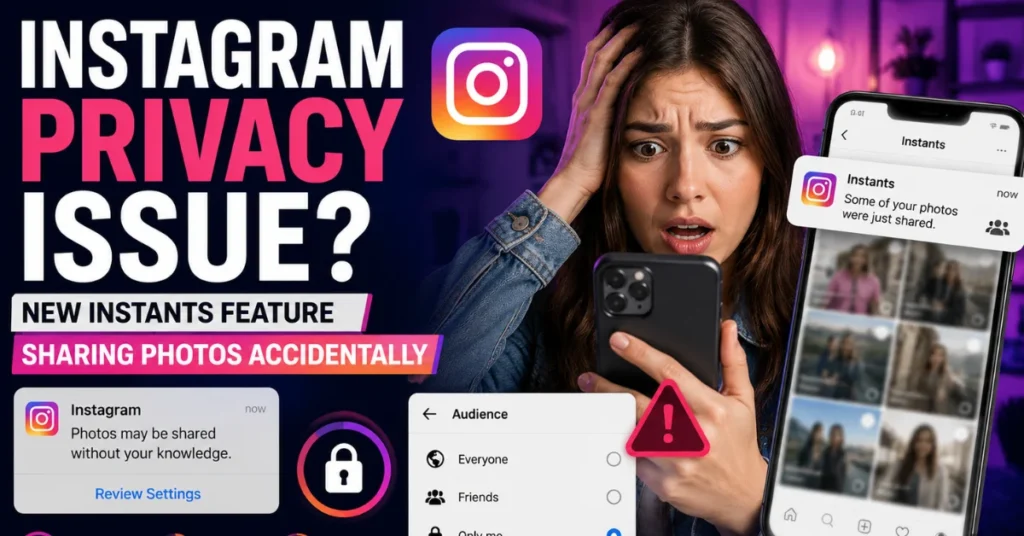
The biggest issue users face is how easily Instants can accidentally send photos to others. According to reports, the feature automatically shares a photo the moment users press the shutter button.
By default, Instagram sets sharing to “Friends” instead of “Close Friends.” Many users reportedly missed this setting while testing the feature for the first time.
As a result, some accidentally shared photos with far more people than intended.
Fortunately, Instagram still allows users to disable Instants entirely.
To turn off the feature, users must open their Instagram profile and tap the three-line menu in the top-right corner. From there, they can enter Settings and scroll down to “Content Preferences.” Inside that menu, users will find an option called “Hide Instants in Inbox.”
Once enabled, the Instants section disappears completely from the inbox interface.
Users will also stop receiving disappearing Instants sent by others.
Instagram additionally offers a temporary option. Users can press and hold the Instants section inside the inbox and swipe right to pause incoming Instants temporarily instead of disabling the feature permanently.
Is Slack Down? Thousands Report Messaging Problems During Major Outage
Instagram’s Instant-Send Design Is Frustrating Many Users
Instagram originally promoted Instants as a more spontaneous way to share real-life moments. The company wanted the feature to feel less polished and more natural compared to normal Instagram posts.
However, many users feel the feature behaves too aggressively.
Unlike regular Instagram uploads, Instants do not pause for editing, reviewing, or confirming before sending. That instant-send behavior surprised many people because Instagram users normally expect extra review steps before sharing content publicly or privately.
Privacy concerns quickly became one of the biggest complaints online.
Some users reported they did not even realize photos had already been sent until later. Others criticized Instagram for making the “Undo” option difficult to notice during stressful moments.
The backlash highlights a larger issue facing many social media apps today. Companies continue pushing faster and more spontaneous sharing systems, but users still want stronger control over privacy and visibility.
Instagram may eventually adjust the feature if complaints continue growing.
Android 17 Could Change Smartphones Forever With These Powerful New Features
Users Can Still Retract Photos Before They Are Opened
Instagram does provide a few ways to reverse accidental sharing.
Immediately after sending an Instant, users can tap the “Undo” button that appears beneath the shutter interface. This quickly retracts the photo before recipients open it.
There is also another recovery option through the archive section.
Users can open the archive by tapping the four-box icon located near the camera interface. From there, deleting an Instant will unsend it to anyone who has not viewed the image yet.
These recovery tools may help reduce accidental oversharing, but many users still believe Instagram should provide clearer instructions and confirmation prompts before enabling automatic sharing.
For now, users concerned about privacy may prefer disabling the feature completely until Instagram improves the experience further.
Dolby Atmos Is Coming To Android Auto And It Could Completely Change Car Audio

Anku is a Technology News writer covering Smartphones, AI, software, gaming, laptops, iOS updates, tech trends. He focuses on creating simple, informative, and reader-friendly news in Simple English Language.